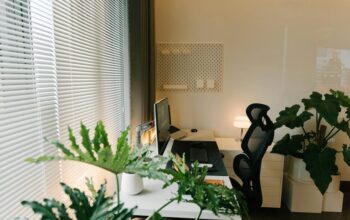
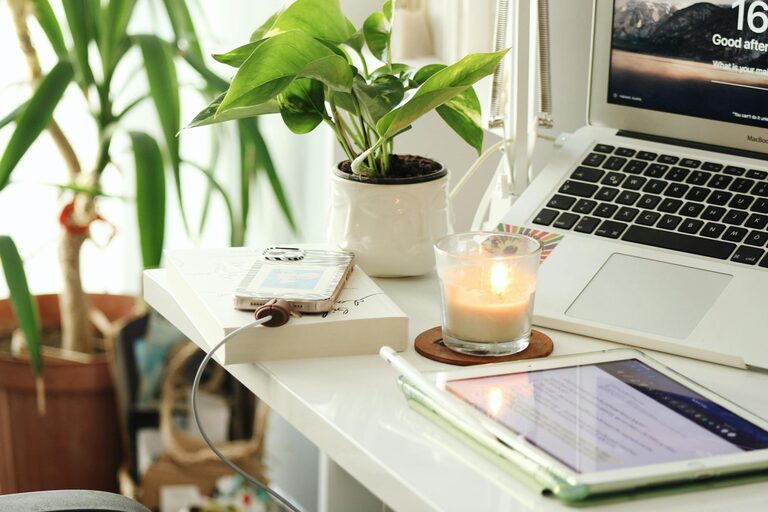
Creating a home office that feels cozy and inviting can make a significant difference in your daily productivity and overall well-being. Whether you work remotely full-time or just need a quiet spot for occasional tasks, designing a space that balances comfort and function is key. Here are practical tips to help you create a home office you’ll love spending time in.
Choose the Right Location
Consider Natural Light
Pick a space with plenty of natural light if possible. Sunlight boosts mood and reduces eye strain. Position your desk near a window but be mindful of glare on your computer screen.
Minimize Distractions
Look for a quiet area away from household noise and foot traffic. This helps maintain focus and creates a professional environment.
Select Comfortable and Functional Furniture
Invest in an Ergonomic Chair
A supportive chair reduces back and neck pain. Choose one adjustable to fit your height and desk.
Opt for a Spacious Desk
Your desk should have enough surface area for your computer, paperwork, and any tools you need. Consider desks with built-in storage to keep items organized.
Add Storage Solutions
Shelves, filing cabinets, and desk organizers keep your workspace tidy and clutter-free. A neat space promotes mental clarity.
Personalize with Warm and Inviting Decor
Use Soft Textiles
Add a cozy rug, cushions, or a throw blanket. These touchstones add warmth and comfort.
Add Greenery
Houseplants improve air quality and add a calming presence. Choose low-maintenance plants like pothos or snake plants.
Choose Warm Lighting
Supplement natural light with warm-toned lamps or fairy lights. Avoid harsh overhead lighting that can feel cold or clinical.
Display Art and Photos
Incorporate personal touches such as framed photos, inspirational quotes, or artwork that uplifts you.
Optimize Your Workspace Layout
Create Zones
Designate areas for different activities like computer work, reading, or brainstorming. This separation helps keep you organized.
Keep Essentials Within Reach
Avoid clutter by storing frequently used items close by. Use desk trays, pen holders, or drawer dividers.
Maintain Good Air Quality and Temperature
Ventilate Regularly
Open windows when possible, or use air purifiers to keep the air fresh.
Control Temperature
Use fans or heaters as needed to maintain a comfortable working temperature.
Incorporate Mindfulness and Relaxation
Create a Small Relaxation Corner
Include a comfortable chair or cushion for short breaks. Taking breaks reduces stress and helps creativity.
Use Calming Scents
Candles or essential oils like lavender can promote relaxation, but make sure they do not cause allergies.
Keep Technology Organized and Efficient
Manage Cables
Use cable organizers or clips to avoid tangled wires, which can be distracting.
Invest in Quality Equipment
A reliable computer, keyboard, and mouse increase efficiency and reduce frustration.
Implement Daily Habits to Enhance Your Space
Declutter Regularly
Spend a few minutes at the end of each day tidying your desk. A clean workspace fosters a clear mind.
Adjust Lighting and Temperature as Needed
Make small adjustments throughout the day to enhance comfort and prevent fatigue.
—
Creating a cozy and inviting home office doesn’t require a complete renovation. By focusing on comfort, organization, and personal touches, you can transform any space into a productive and pleasant work environment. Take time to tailor your office to your needs and preferences, and enjoy the benefits of a workspace that supports both your work and well-being.